Equipment user guides
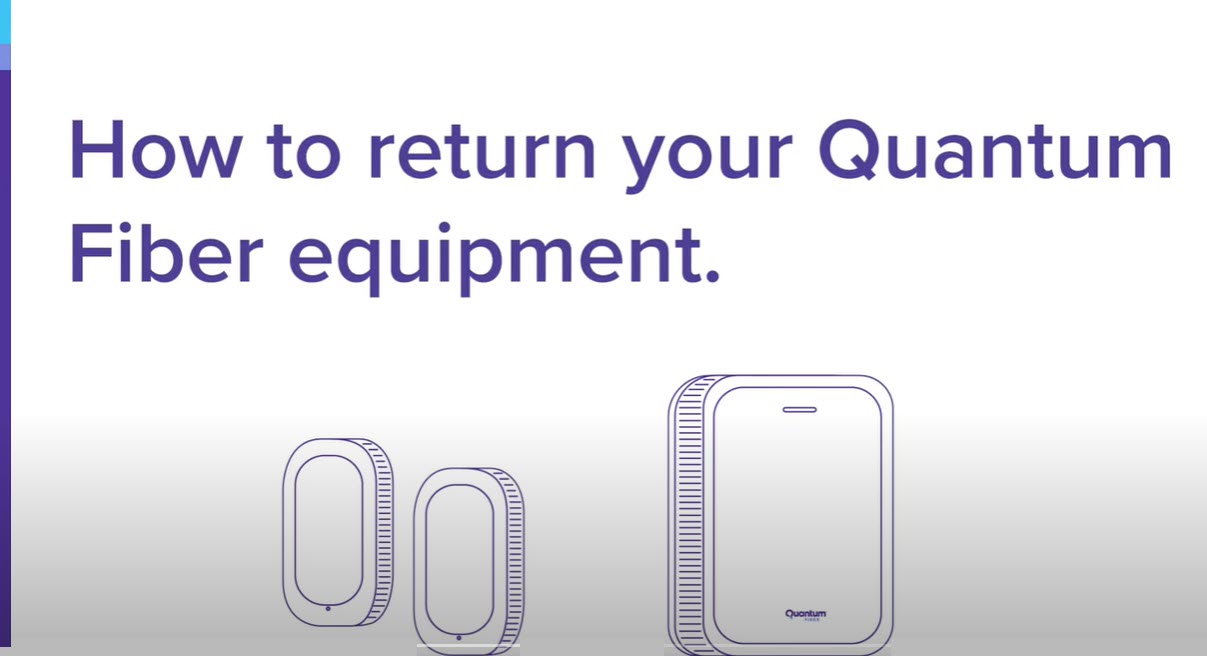
Learn about the hardware that connects you to the Quantum Fiber network. Browse info below about your gateway modem, wall-mounted SmartNID, and WiFi pods. Find technical specs, user tips, status lights, and more.
More from our blog
- What is cloud backup?
- Why you should replace old tech
- Technology and the right to repair
Videos

Was this information helpful?
© 2026 AT&T Intellectual Property. AT&T and globe logo are registered trademarks of AT&T Intellectual Property. All other marks are the property of their respective owners.


© 2026 AT&T Intellectual Property. AT&T and globe logo are registered trademarks of AT&T Intellectual Property. All other marks are the property of their respective owners.